Channel Partner Blog
Thirty Days, Twenty-Five Seats: Don't Let Your Copilot Trial Go to Waste
29 October 2026
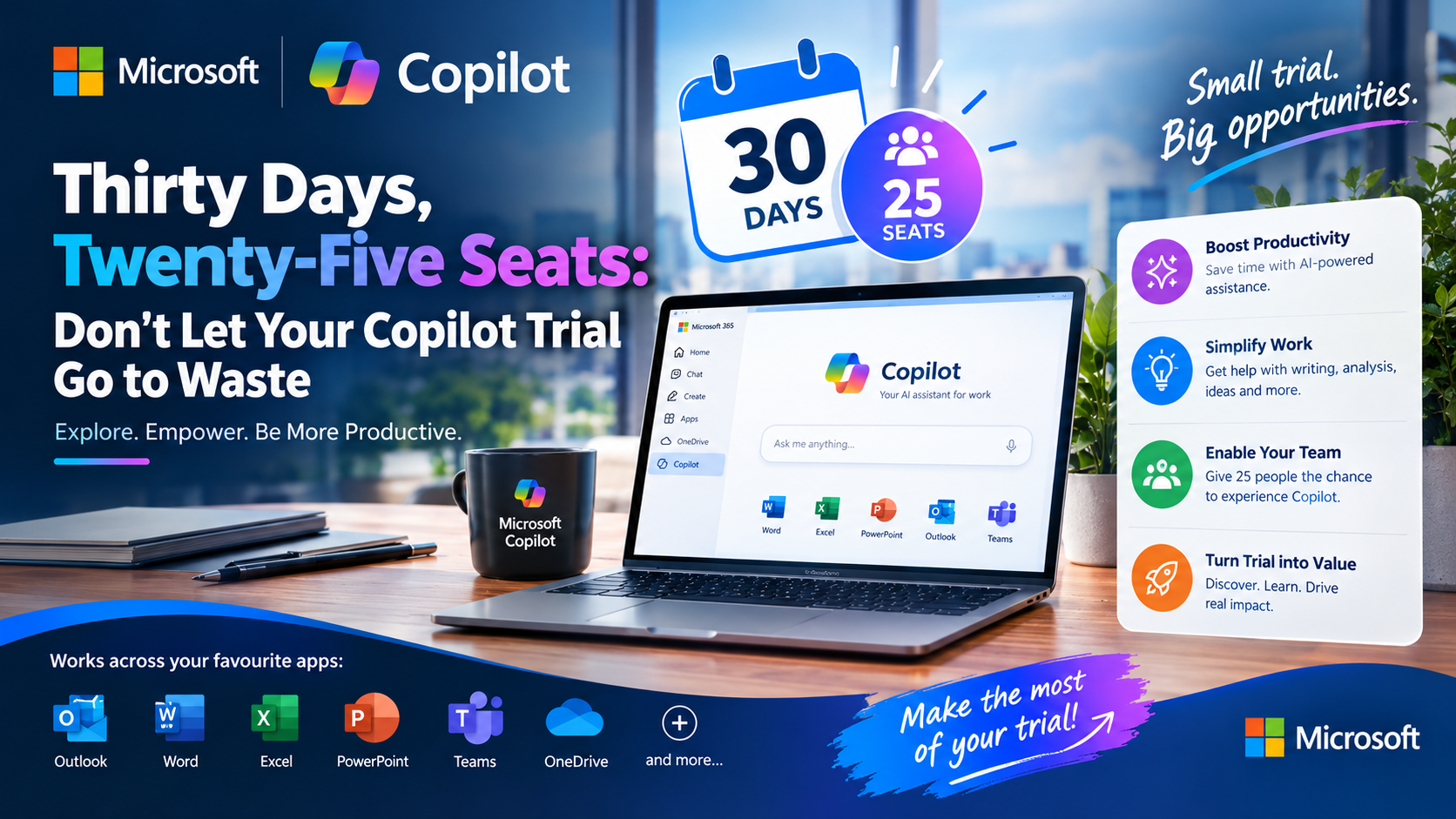
Why the Microsoft 365 Copilot Business trial is an investment worth using, and how to turn it into lasting value
Every so often, Microsoft puts something genuinely valuable on the table at no cost to you. The Microsoft 365 Copilot Business trial is one of those moments. For 30 days, your team can use Copilot on their real work, in their real inboxes, meetings and documents, without a payment, a purchase order or a long-term commitment.
But a free trial only creates value if it is used. Too many trials start with excitement, drift in week two, and quietly expire in week four. This blog is about why that would be a real missed opportunity, and what to do in those 30 days to make sure it isn't.
What you actually get
Microsoft's Copilot in 30 programme is a structured, partner-led way for small and medium-sized businesses to evaluate Microsoft 365 Copilot Business. In summary:
· 25 users, 30 days, no cost for Microsoft 365 Copilot Business.
· Copilot inside the apps your team already knows: Word, Excel, PowerPoint, Outlook and Teams, grounded in your own emails, files, chats and calendar.
· A free Copilot Success Planner that gives each user a personalised four-week learning plan and gives your sponsor a roadmap to follow.
· Fixed terms: one trial per customer, with set seat quantity and duration. There are no extensions, so the 30 days are all you get.
It is designed for organisations with fewer than 300 employees that already run an active Microsoft 365 Business plan, and the offer is available for a limited time only.
Understanding Microsoft's investment
This is not a throwaway promotion. Microsoft is investing real licences, real guidance and real partner effort to put Copilot in your hands.
· Licences: 25 seats of Microsoft 365 Copilot Business, normally an add-on listed at around US$21 per user per month. At list price, that is roughly US$525 of licensing capacity handed to you for the month.
· A structured evaluation framework: the Success Planner, weekly activities and prompts, and a value review at the end, so you are not left guessing what to try.
· Partner support: trials are provisioned and supported through Microsoft Cloud Solution Provider partners, who can run check-ins, share adoption resources and help you read the results.
Microsoft is betting that when people use Copilot on real work, the value becomes obvious. The investment only pays off for you if you meet it halfway.
Why an unused trial is a wasted opportunity
Consider what sits unused when a trial idles:
· Licences that cannot be banked. There are no extensions or quantity changes. Every day a seat sits idle is a day of capacity you will not get back.
· Decisions made on opinion instead of evidence. Without real usage, the end-of-trial conversation becomes "did people like it?" instead of "what did it save us?" That tells you very little about whether the investment makes commercial sense.
· A competitive head start. Teams that learn to delegate drafting, summarising and analysis to Copilot early build habits that compound over time.
· Missed insight about who benefits most. One of the most useful outcomes of a trial is discovering which roles gain the most, and which may not need a paid seat at all. You only learn that by using it.
The cost of a trial is zero. The cost of not using it is a decision made blind.
Make the 30 days count: a four-week value discovery plan
The Copilot in 30 approach builds daily habits week by week. A simple rhythm works well:
1. Week 1: Inbox (Outlook). Summarise long email threads, draft replies, and prioritise what needs attention. This is the fastest way to feel the time savings.
2. Week 2: Meetings (Teams). Use meeting recaps, action items and catch-up summaries so nothing falls through the cracks.
3. Week 3: Create (Word, Excel, PowerPoint). Generate first drafts of proposals, analyse data, and build presentations from existing content.
4. Week 4: Automate (Copilot Chat and agents). Go further with research, analysis and repeatable tasks, then measure what you have learned.
Set it up for success
· Choose the right 25. Pick people who spend most of their day in Microsoft 365 and who have clear tasks where AI could help: management, sales, finance, admin, operations, marketing, HR and customer service.
· Name a sponsor and a champion. Someone senior to give the trial priority, and someone hands-on to keep momentum and share wins.
· Assign all licences on day one. A seat that is not assigned cannot be used.
· Build the plan early. Complete the Success Planner in the first days so each user has a tailored path.
· Check in weekly. A short call to capture wins and blockers keeps adoption alive after the novelty fades.
Decide what success looks like before you start
Agree your measures up front:
· Time saved on proposals, reports, meeting follow-ups and email.
· Use cases that repeat, not just impressive one-off demos.
· Sustained adoption, meaning people are still using Copilot in week four.
· Business outcomes, such as faster turnaround, better quality or more capacity for high-value work.
Convert with intent, not by default
As the trial nears its end, the question shifts from "does Copilot work?" to "where does it pay for itself?" Use what you have gathered:
· Review the evidence. Collect time saved, favourite use cases and usage data, and hold a short value review with your sponsor, champions and partner.
· Right-size the rollout. Convert the seats that delivered clear value, and be honest about roles that did not need one.
· Plan before day 30. After the trial, users need a paid licence to keep using Copilot Business. Trials can be set to convert automatically, and there is a short cancellation window, so agree your seat quantity and billing preferences with your partner ahead of time to avoid cutting off productive users.
Your 30 days start now
Microsoft has put the licences, the framework and the partner support in place. What it cannot supply is your team's time and curiosity. Assign the seats, build the plan, run the four weeks, and measure the results.
If you finish the trial with clear evidence of value, converting is a confident, easy decision. If you don't, you will know that too, and it cost you nothing to find out. Either way, the only losing move is letting the 30 days pass unused.
Ready to start, or already mid-trial? Speak to your 4Sight Microsoft Surestep Ambassador about the Success Planner, weekly adoption activities and a value review at the end of your trial.
